What Tommo Bids does
Tommo Bids brings in the public bids of your search, prepares each decision, and works the bid up to its submission. You decide.
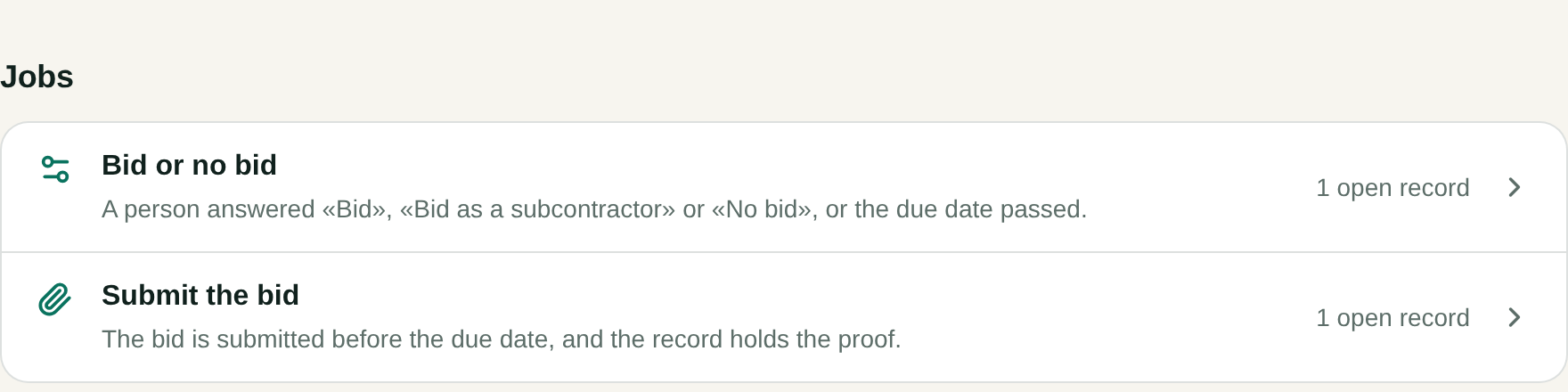
States, counties, cities, schools and utilities buy through public bids. Each bid has a due date, a stack of files and a list of things your company must hold before it can answer. Tommo Bids reads all of it, so you spend your time on the decision to bid. It has two jobs, and you find both on its page under Tommos.
From a new notice to a submitted bid
Tommos reads your scouts. Once a day it reads the new open bids of your own saved searches in HigherGov, each at its level: Federal or State and Local. A module in Live brings the bids of another register.
The triage sorts each bid. Your NAICS or CPV codes and your texts sort it as Ours or Not ours, with one sentence why.
An Ours bid becomes a deal. It lands on the board of the page Bids, and its files go into the bid's folder in your company's Drive.
Tommo Bids asks you. It reads the notice, the files and your company's facts, then files one card in Flow. You answer Bid, Bid as a subcontractor or No bid.
Tommo Bids prepares the bid. After Bid, it writes the list of what the buyer requires, a plan back from the due date, and drafts of the parts of the bid. It gives a person each task that only a person can do.
You mark it submitted. You press Mark submitted with the buyer's receipt or a file that proves it, and the record keeps the proof.
What stays with you
- The decision. The card asks and marks no answer. A person decides whether the company bids.
- Every email to the buyer. Tommo Bids drafts it on a card, and nothing leaves until a person presses Send.
- The board. Bid moves the deal to Preparing, and No bid sets the bid aside in Not ours. You drag it to Submitted when it gets there.
- The company's documents. Tommo Bids keeps a document that an email brought only after a person presses Keep.
Before you start
You need a scout of bids: your own HigherGov account with one or more saved searches, or a module. Then set up three things:
- An owner connects HigherGov in Settings, Bids, or adds a module in Settings, Scouts. An owner or admin sets the triage in Settings, Bids.
- The folder Bids credentials holds the documents bids ask for.
- The Playbook page The company's facts for bids holds your numbers.
Where Tommo Bids is available
Tommo Bids works only in a workspace where we turned it on. The plans Book, Close and Sign do not include it, and Settings, Billing does not offer it. When your workspace has it, you see Bids in the menu and in Settings, and Tommo Bids under Tommos.