From the site to the first card
Open a workspace with your Google work account, answer ten short steps, and decide on your first card.
Your workspace opens the moment you sign in, and your tommos start reading your mail while you answer the setup steps. You finish on a card about one of your own clients, ready for your decision.
What you need
- A Google work account. A workspace opens only through Google, and only with a work address. Public and throwaway mail addresses do not open one.
- Your company's website address. Tommo reads it to learn what you sell. You can go on without one.
- The tools you use. Have your Granola key or your Mercury token ready if you use them. You can add both later.
From sign-in to Flow
Start on tommos.ai. The site brings you to the sign-in page. From Log in, press Create your workspace.
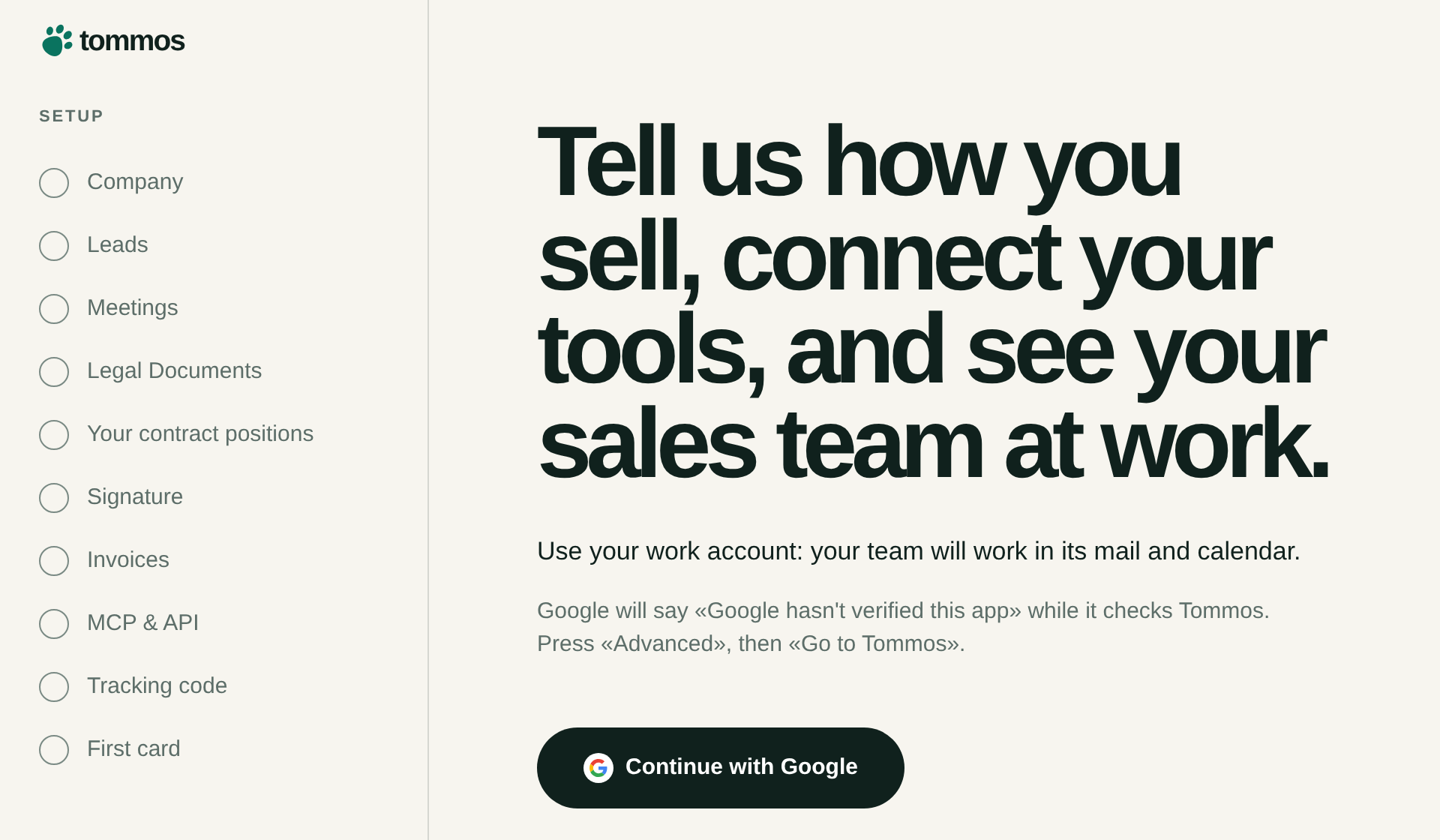
Press Continue with Google. Use your work account, because your team works in its mail and calendar. Google asks what Tommos may read. Your workspace opens at once, and you are its owner.
Tommo starts reading. It takes the newest conversations in your mail first and looks for the people who may buy from you. You press nothing to start this.
Answer the ten steps. Each step asks one thing and acts on your answer. The list on the left shows your answers, and you can open any done step again.
Decide on your first card. The card is usually ready about three minutes after you connect your mail.
Press Go to your workspace. Flow opens, and the rest of what Tommo found comes in as Tommo files it.
When Google warns you
While Google checks Tommos, it says «Google hasn't verified this app». Press Advanced, then Go to Tommos. The sign-in page says the same.
If the sign-in stops
| Message | What to do |
|---|---|
| Your company already has a workspace in Tommos. Ask its owner to invite you. | One company domain has one workspace of this kind. Ask the owner to invite you. |
| That address is a throwaway mailbox, so no workspace was opened. | Continue with your work account. |
| Google has not verified that address, so no workspace was opened. | Continue with a work account Google has verified. |
| Google's screen was closed before Allow, so no workspace was opened. | Continue with Google when you are ready. |
| Too many workspaces were asked for from this network, so none was opened. | Try again in an hour. |