Settings
The same sections as your setup, each with its state and one next act.
Settings uses the words of your setup steps, so you find each answer where you left it. Each section shows its state, and at most one act.
Press / to search settings by name or by the words you remember.
Setup
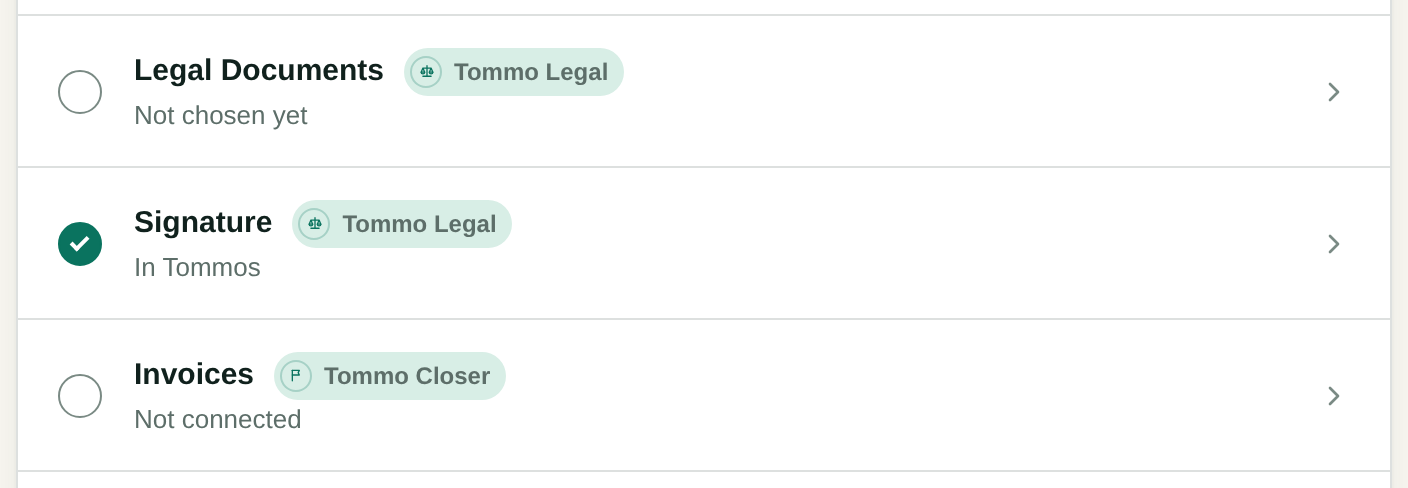
The mark beside a section says whether it is done, partly done, skipped or open. A section a tommo works through shows that tommo's name.
| Section | What it holds |
|---|---|
| Company | Organization name, Postal address, the Playbook, Brand, Emails come from, Email footer, Your sending domains, Booking page and Your website. |
| Leads | Mailboxes, your Website form, Scheduling page, Public booking, Website visitors and Services. |
| Meetings | Google Calendar, and where your meeting records come from. |
| Legal Documents | The documents you use and their templates. |
| Signature | How you sign. |
| Invoices | Your Invoice system, and the account invoices are paid into. |
| Bids | In a workspace with Tommo Bids: HigherGov and the triage. |
| Scouts | The modules that find bids or companies, each with its state, its schedule and its log. |
| MCP & API | The server and your API keys. |
Workspace
| Section | What it holds |
|---|---|
| Team | People and roles. |
| Deals | Lost reasons. |
| Billing | Your plan, the month's new leads and the payment. |
| Workspace | How the workspace works, its export and its delete. |
| Account | Your password, your code and your shortcuts. |
Playbook
Playbook in the main menu holds what your company knows, such as what you sell and to whom. The first read of your site fills it, and each section says it came from the site and when. A person can change or delete a section, and the read does not touch what a person wrote.
Tommo's emails state only the facts the Playbook or the record holds. Use Import a document to add from a file, or New page to write one. Keep orders out of it: how Tommo should act belongs in the job's goal, in Writing instructions and on each act's page.
Mailboxes
- Connect a mailbox in Settings, Leads. The person whose mailbox it is signs in to Google once.
- Each mailbox shows when new mail last came, its Owner of these leads, and its switch.
- A mailbox's switch reads Tommo SDR works the leads from this mailbox.
Postal address
Settings, Company, Postal address holds your company's postal address. Each first email and follow-up of Prospect a company carries it at its foot, with who writes and a link to unsubscribe.
- Until you write it, the row reads «Not set. No first email leaves without it.», and Send on a first email refuses and says where to write it.
- Only the owner or an admin sets it. A member reads it.
- Write it on as many lines as you need, up to 1000 characters, and press Save postal address. The emails show it on one line.
Sending domain
Emails from Tommos come from hello@tommos.ai until you prove your own domain. A proven domain puts your address in the From. Add it in Settings, Company, Your sending domains.