MCP & API
Work with Tommos from your AI assistant, and connect your own systems.
Your AI assistant can read and work your workspace through the MCP server of Tommos. It acts on your account, with your role, and a card still waits for a person.
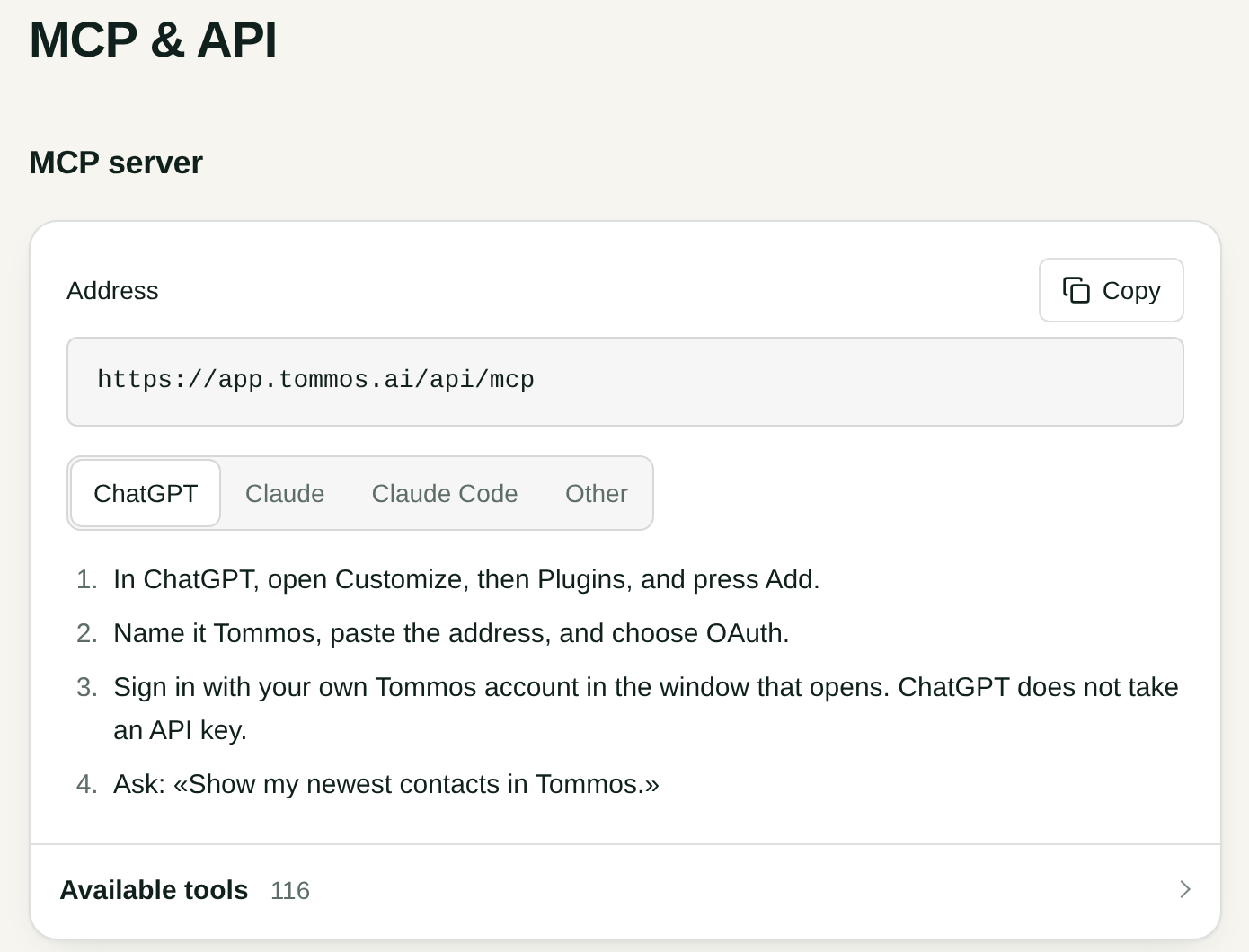
Connect an assistant
Open Settings, MCP & API. Copy the Address, pick your assistant, and follow its numbered steps. ChatGPT signs in with OAuth and takes no API key.
Available tools lists what the assistant can do.
Among them, the assistant works your companies as you do on screen: it lists and reads them, moves a company on the board Prospecting, links a person to a company or removes the link, adds a domain, renames a company, and makes a deal with one of its people. Each act goes through the same rules as your press, in your name. A viewer and an API key change nothing there.
API keys
Under the server stand your workspace's API keys, with New key beside the heading. An Owner and an Admin manage them, and they also see Use a key in .mcp.json.